

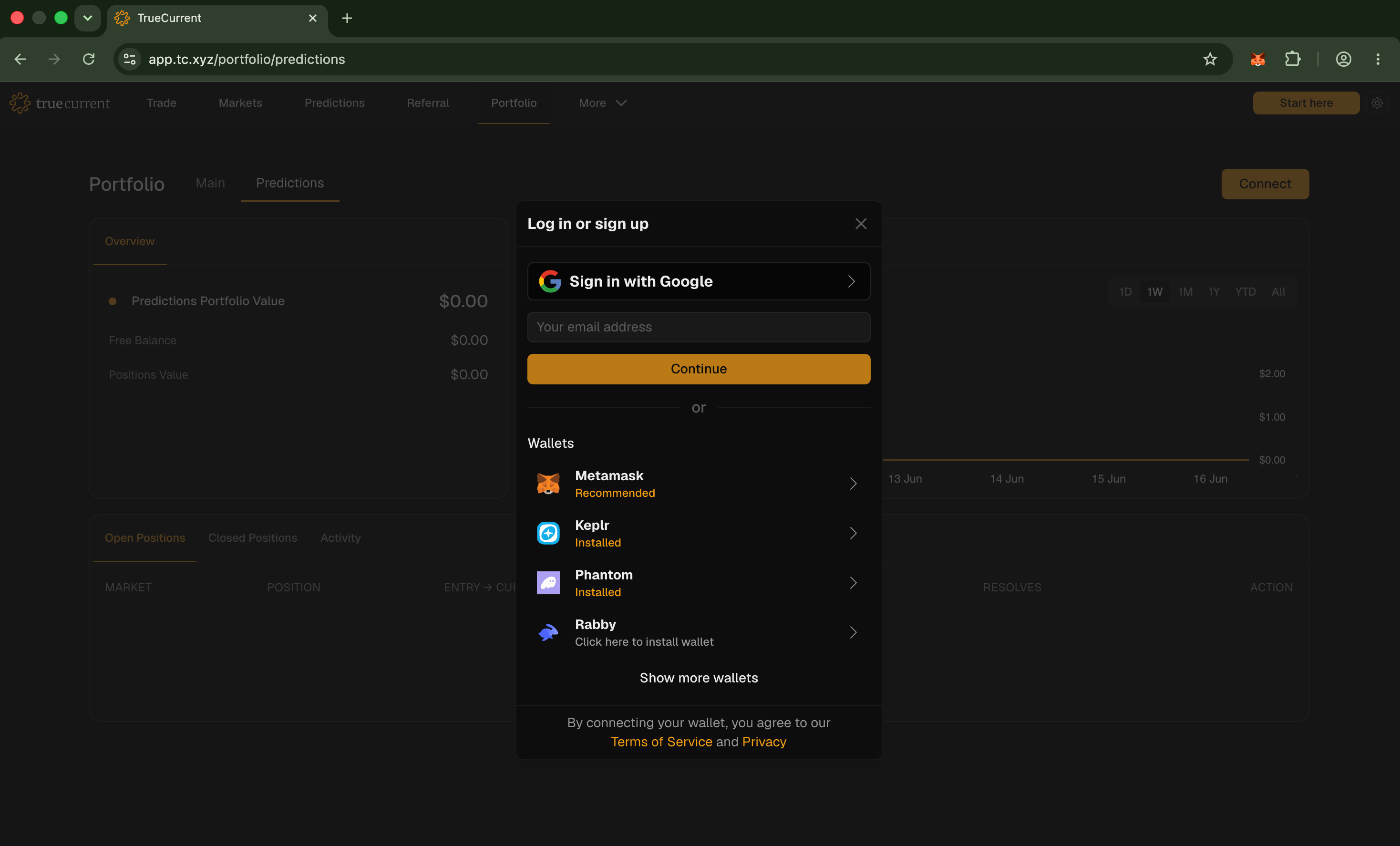
Supported wallets
- Rabby – Recommended for most users
- Rainbow – Great mobile-first option
- MetaMask – Works with any EVM-compatible wallet
- Keplr – Cosmos-native wallet
Connecting
- Go to
tc.xyz - Click Start here in the top right
- Select your wallet from the list
- Approve the connection in your wallet extension
One-time setup
The first time you trade, TrueCurrent asks you to approve a one-timeauthz authorization. This lets TrueCurrent execute the specific trading actions needed for settlement without taking custody of your funds.
The authorization is scoped to TrueCurrent, only needs to be completed once per wallet, and can be revoked later.
Authorization is performed using
authz.To find out more about authz, for programmatic uses: